 LucidDream
A library you assemble
Signals are short audio files — bundled with the app, fetched from a URL, or picked off your device. Scripts are small text documents that say what to play and when. Anything you pull from a URL can be saved for offline use.
Beta
LucidDream exists for one experiment: whether sound, played at the right moment of the night, can help you realise you are dreaming. You write the plan — which sounds, how loud, how often, when — and in the morning it hands you a log of everything it actually did.
Installation instructions. iOS builds are distributed through TestFlight. The browser version runs the same app, with the limits described below.
Why it exists
Can a sound, played at the right moment of the night, help a person recognise that they are dreaming? That recognition — knowing, inside the dream, that it is a dream — is what lucid dreaming means, and investigating it is what this project is for.
The hard part was never playing the sound. It is lining up two things afterwards: what actually reached you while you slept, and what you actually experienced. LucidDream gives you the first half exactly — a sequence you specify precisely and can repeat night after night, with a record of what really played and when. You supply the second half, in your own words, when you wake.
In this version, putting the two side by side is entirely manual. In the morning the app asks a few short questions and keeps your answers with the night; you read the record, and you draw your own conclusions. The app interprets nothing, scores nothing, and never tells you a night worked. Doing that comparison well is the point of the whole project — and a record you can trust is the part that had to come first.
What it does
LucidDream is small on purpose. It holds your sounds, runs your plan, and records the result. It does not interpret anything, and it does not decide anything for you.
Signals are short audio files — bundled with the app, fetched from a URL, or picked off your device. Scripts are small text documents that say what to play and when. Anything you pull from a URL can be saved for offline use.
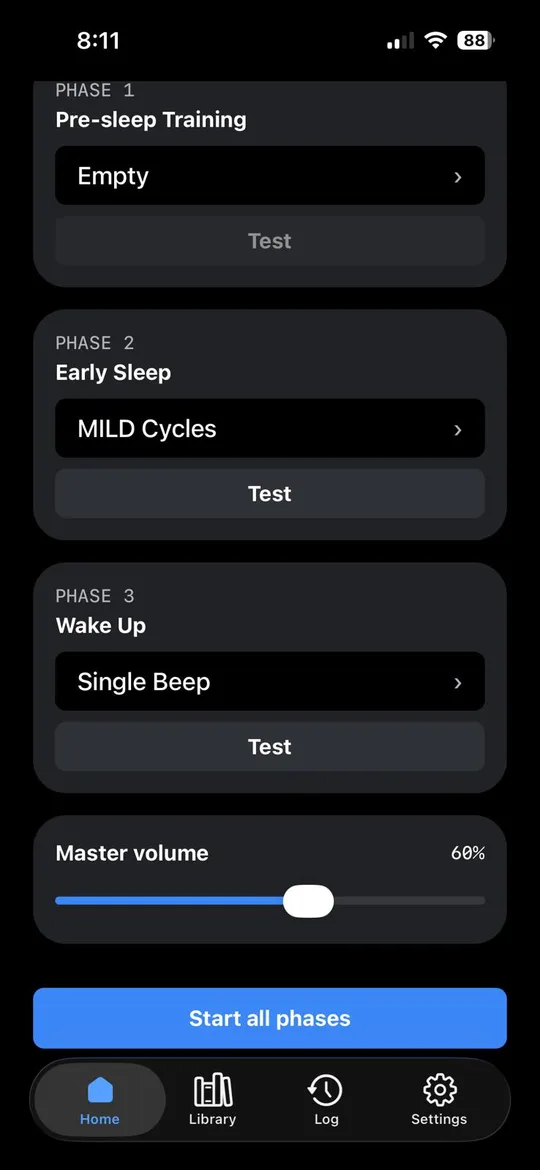
Pre-sleep Training, Early Sleep, and Wake Up. Each phase takes one script, or none. Training is optional; the two sleep phases cannot both be empty. Your selections are remembered between launches.
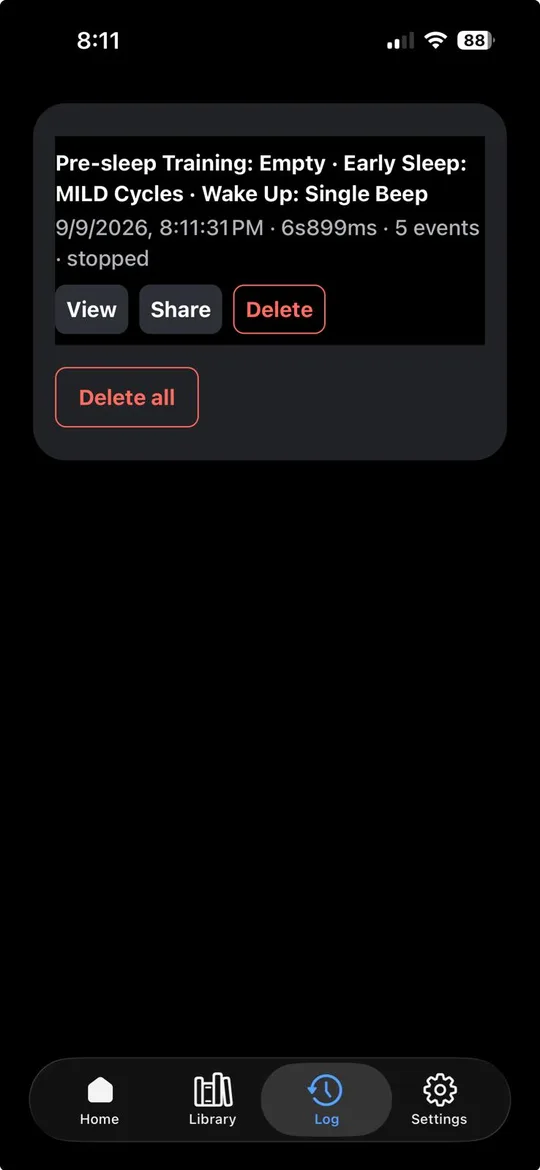
Every playback, every volume change, every reading the script branched on, timestamped to the second. One run produces one log. You can read it in the app or export the file and keep it.
How a night works
Pick a script for each phase you want to use, and leave the rest empty.
Open Sound on the Tonight screen and run the sound check. It plays the script's first cue at the level you set, and at each softness, so you choose both with your own ears rather than guessing.
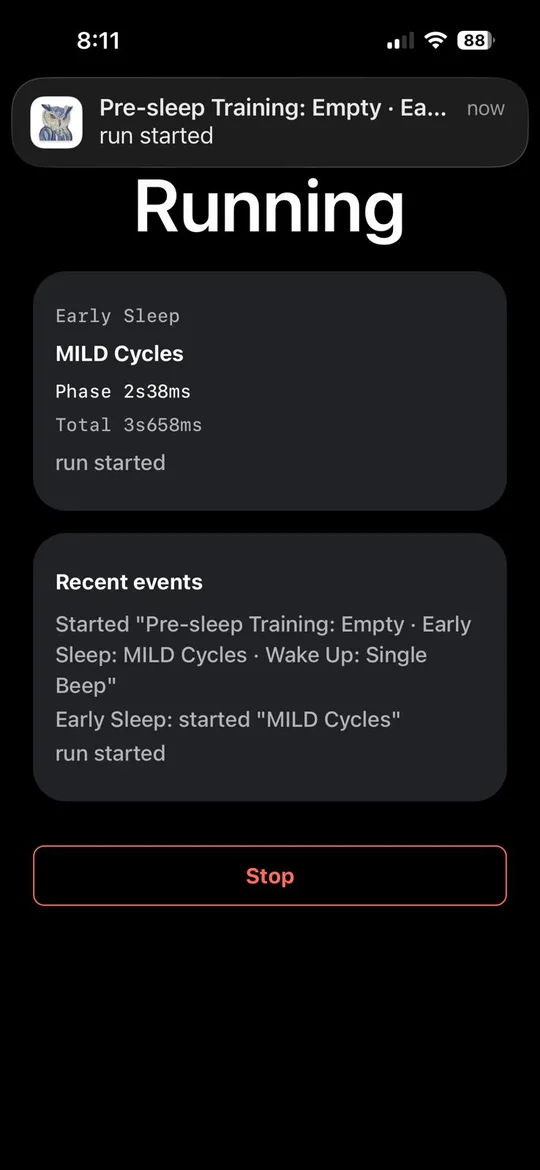
The app validates the scripts, resolves every sound, prepares background playback and shows a notification with the current step and a Stop action. The screen can go off. Cues fade in and out, and a very quiet noise can fill the time between them.
Hold to stop — or let the script finish on its own — and the night appears under Nights as a timeline you can scroll through and share.
Scripts
No hidden state. A script is YAML — a list of instructions, executed in order — which means you can write one in any editor, keep it in a file, mail it to someone, and read it back a year later and still know what it does. You do not have to write one: the app can change a script's waits, repeats and loudness, or its steps, without any text, and saves the result as a script of your own.
name: Chime through the early hours
version: 1
volume: 0.4              # master level for this script

body:
  - log: "run started"
  - wait: 90m            # let the first sleep cycle pass

  - repeat: 6
    body:
      - play: chime
      - wait: 20m
Loops, conditions, scoped volume changes and markers are all available. The full script format — with every statement, every condition, and the scripts already published here — is one page away.
See it
Three views from the current build: setting up a night, following a run, and reviewing its log.
There is also a lock-screen demonstration in the browser build. It shows the interface a half-asleep person meets; it does not prove how the app behaves with the screen genuinely off.
Why an owl
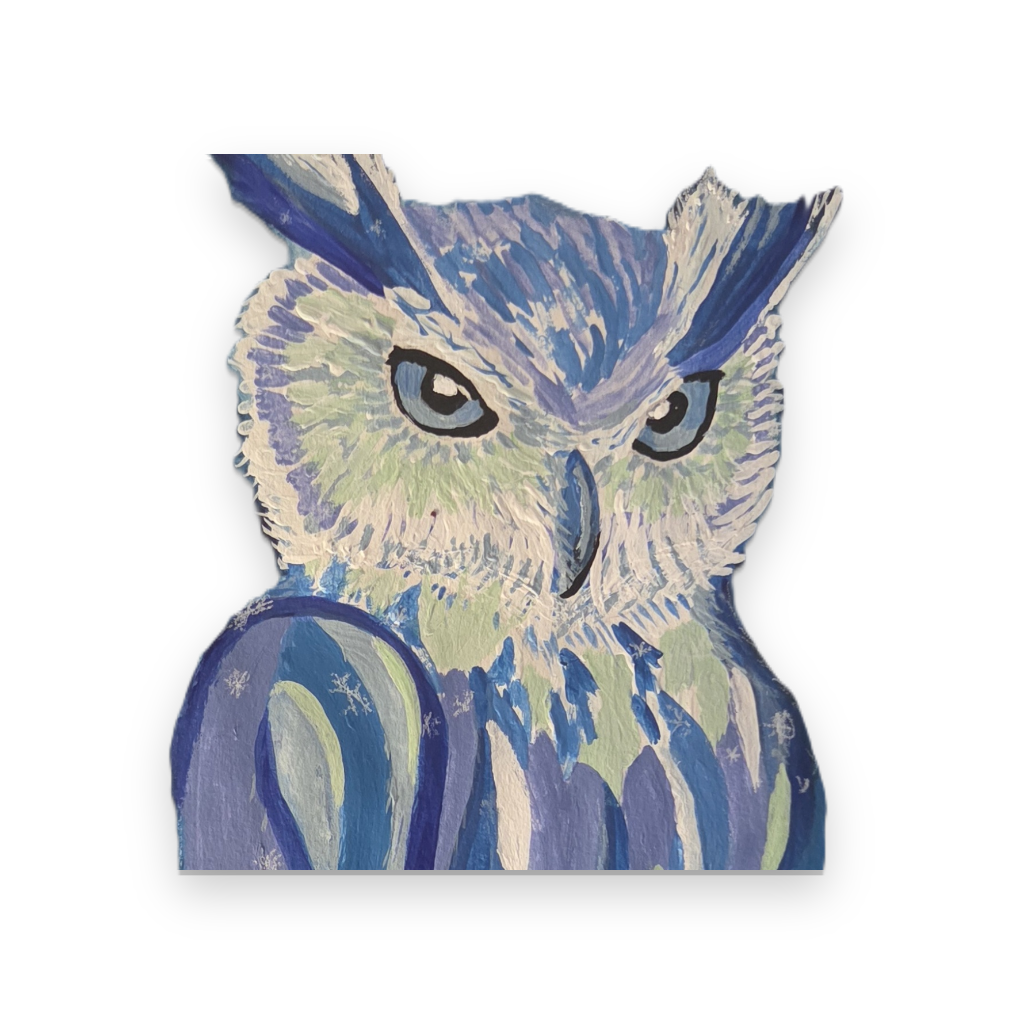
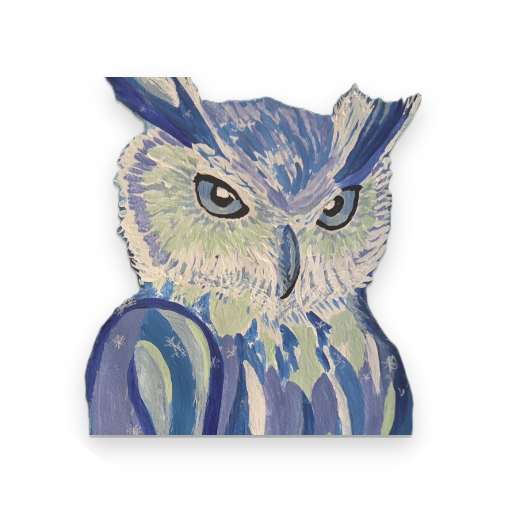
An owl is nocturnal, hears far more than it sees, and waits without hurrying. That is exactly the posture this app takes: awake through the night, listening, patient, doing nothing at all until the moment it was asked to act.
The owl is also Athena's companion — the old emblem of attention and good judgment rather than of magic or prophecy. That is the register we want. LucidDream pays attention and keeps an honest record. It does not claim to know what your night meant.
And this particular owl was painted by hand, by a person, which is the truest thing about the project's character.
Get it
The same application, nothing to install. Good for writing scripts, building your library, and trying the interface.
Built for a real night: a foreground service and wake lock keep the run active with the screen off, with its progress available from a notification.
The same scripts, three-phase runs and logs on iPhone. iOS uses background audio to continue a run while the screen is locked and reports progress through a notification.
Plainly